Caliber Cheats Guides
Caliber Soft Aim: FOV, Smoothing, and Bone Priority
Soft aim in Caliber should assist tracking — not snap through walls. This guide covers FOV sizing, smoothing curves, and bone priority so your crosshair movement still looks human in clutch trades.
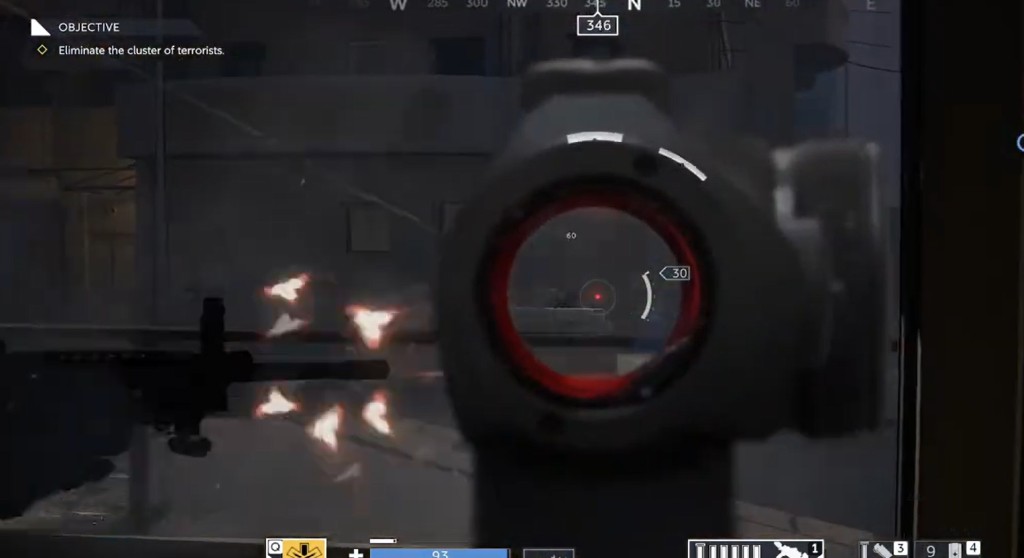
Start with soft aim, not hard snap
Soft aim should help tracking — not pull through walls. Begin with a smaller FOV and higher smoothing. Play five matches before you widen anything.
Control docs are on Caliber Aimbot and soft aim.
FOV, smoothing, and bone priority
FOV defines how much area around your crosshair gets assist. Too wide looks robotic in review clips. Smoothing controls how fast the crosshair moves toward a target.
Bone priority should match what you can hit under stress — usually upper chest to head transitions, not long-range head-only snaps.
Per-weapon profiles
ARs, SMGs, and DMRs need different curves. Save separate profiles instead of one global slider. Disable assist when looting or holding passive angles.
Pair aim settings with ESP from our ESP guide so you choose fights with information first.